Reimagining the Crochet Experience Through Connected Design
What inspired Snuggly?
My crochet process was filled with tedious pauses—untangling yarn, recounting stitches, and figuring out where I left off each time. These small frustrations slowly took away from the joy of crocheting, especially when I was trying to balance my life as both a crocheter and a busy student.
This led me to wonder, “What if I had a personal assistant for crocheting?” Using my skills as an interaction designer I began to explore how this traditional form of art could merge with modern technology to create a smoother and meaningful experience.
Understanding the Crochet Experience
What are the pain points in crocheting?
From my experience and a few user interviews, I found out that there are three main pain points that slowed down crocheter's process.
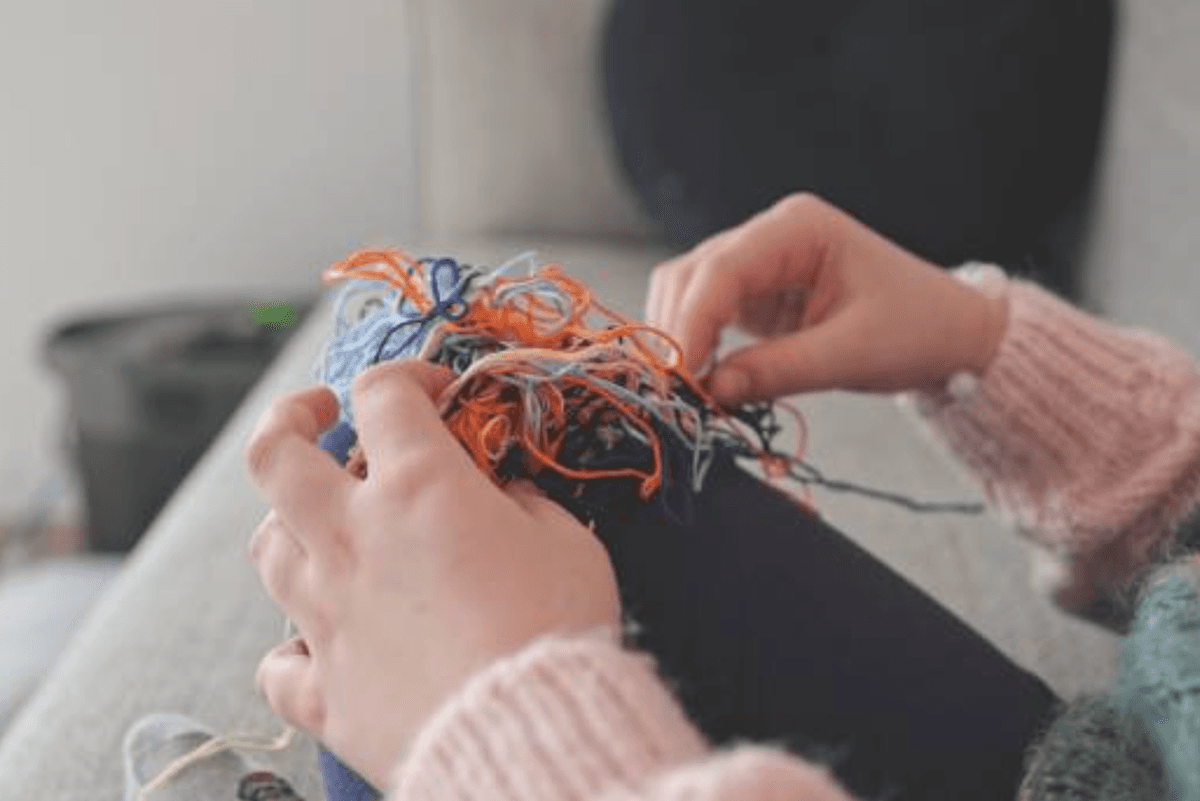
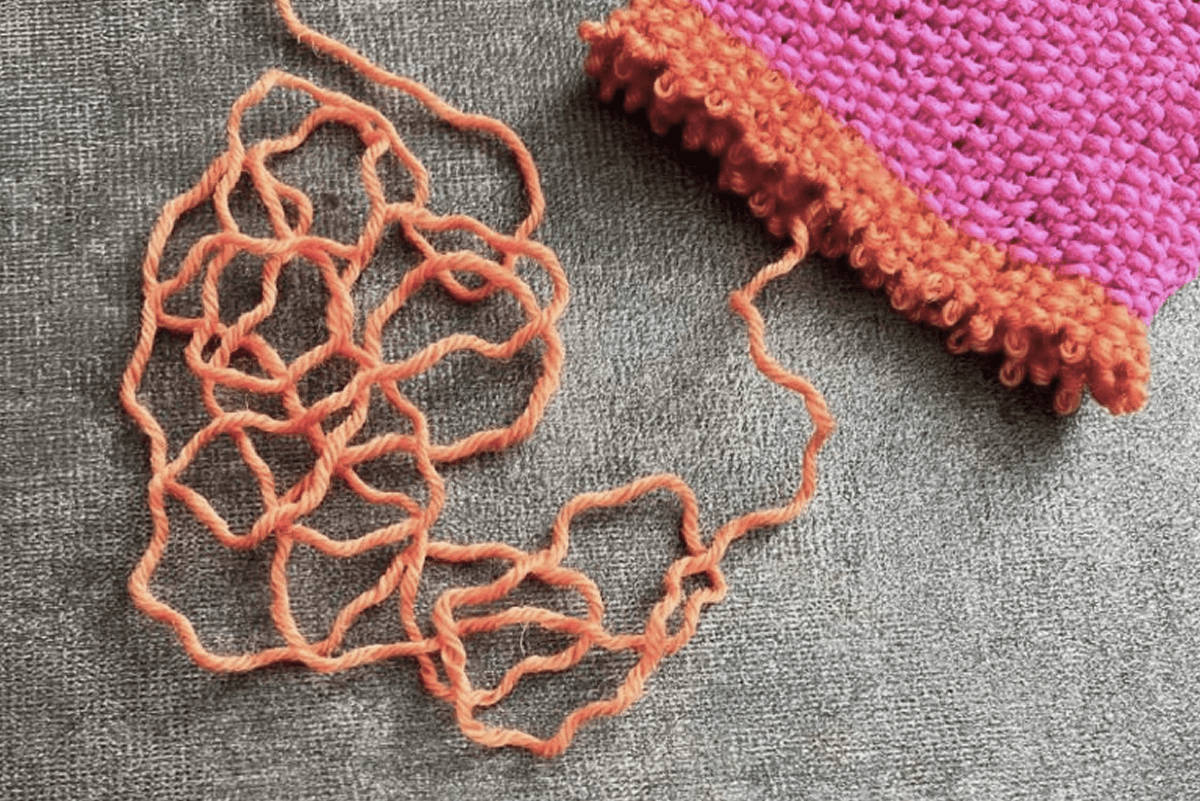
Hard to keep yarn from rolling away and constantly tangling
Confusing to count the correct stitch counts while crocheting
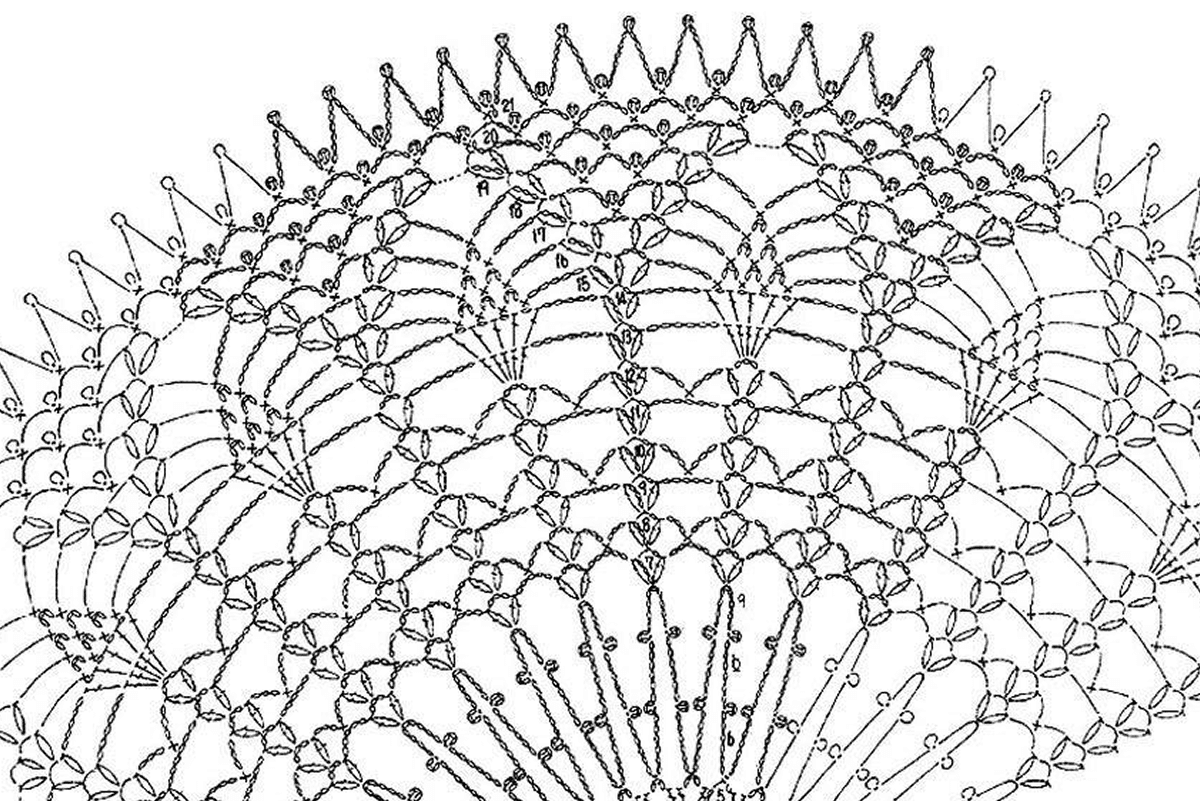
Too easy to get lost in a chart of repetitive stitch symbols
Evaluating Existing Tools
What are the current solutions and why are they not enough?
To reduce the pain points, I tried out many different products that already exist to solve the pain points, but found that it doesn’t work as effectively.
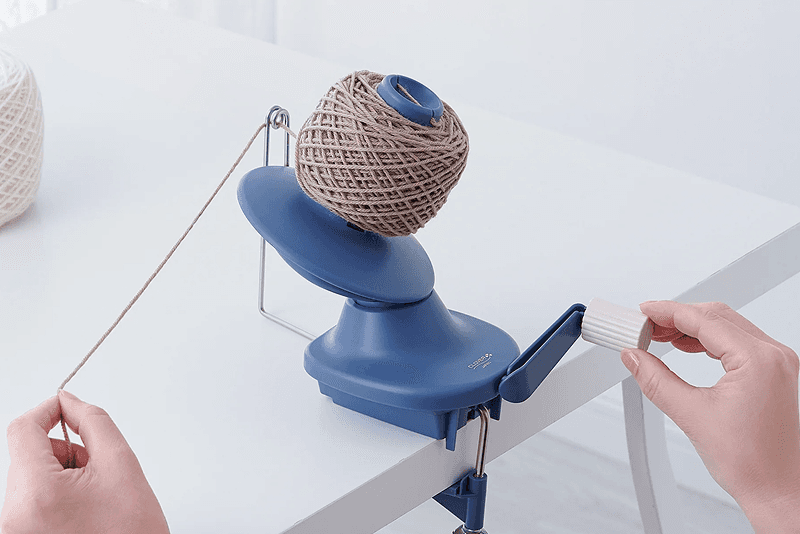
Hand-Operated Yarn Winder
Keeps yarn from tangling
Needs to be turned manually
Unable to unwind yarn while crocheting
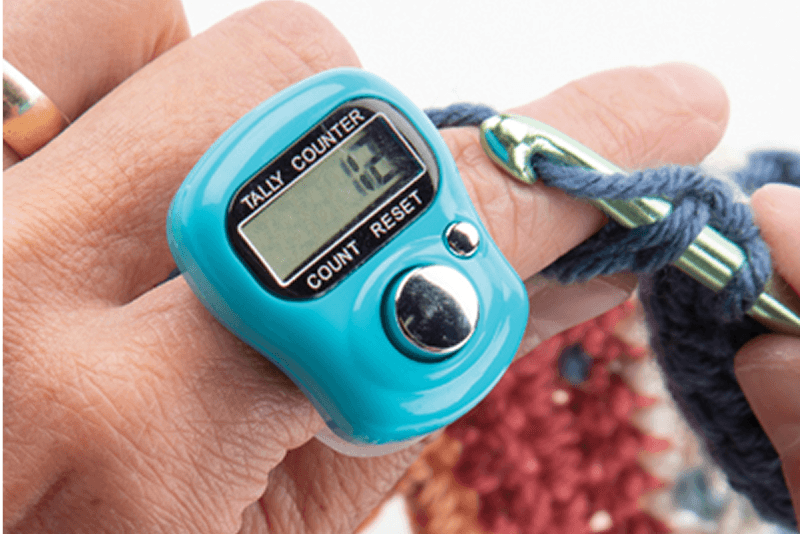
Row or Tally Counter
Keeps track of stitch counts
Pressing button is still manual
Count remains unchanged if user forgets to press button
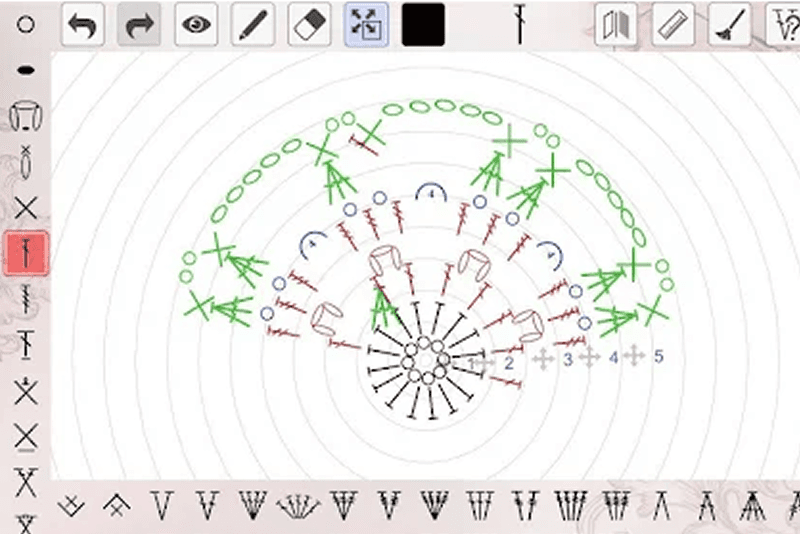
Pattern Creating Application
Able to color code each stitch
Pattern file is still a static pdf
Repetitive symbols, even in color code, is hard to follow
Defining a More Seamless Crochet Experience
What if crocheting can be more precise, uninterrupted and effortless?
The solution focused on supporting professional crocheters throughout their workflow—from managing projects and generating patterns to tracking progress. By connecting digital guidance with physical tools, the system enables a more continuous and efficient making experience.
Translating Wrist Motion into Interaction
How did wrist motion inspire the prototype behavior?
Testing the First Machine Prototype
What challenges do multi-generational travelers experience?
Using the wrist motion pattern I discovered, I created an initial prototype that includes a light stand, a motion-tracking wristband, and a yarn winder/unwinder.
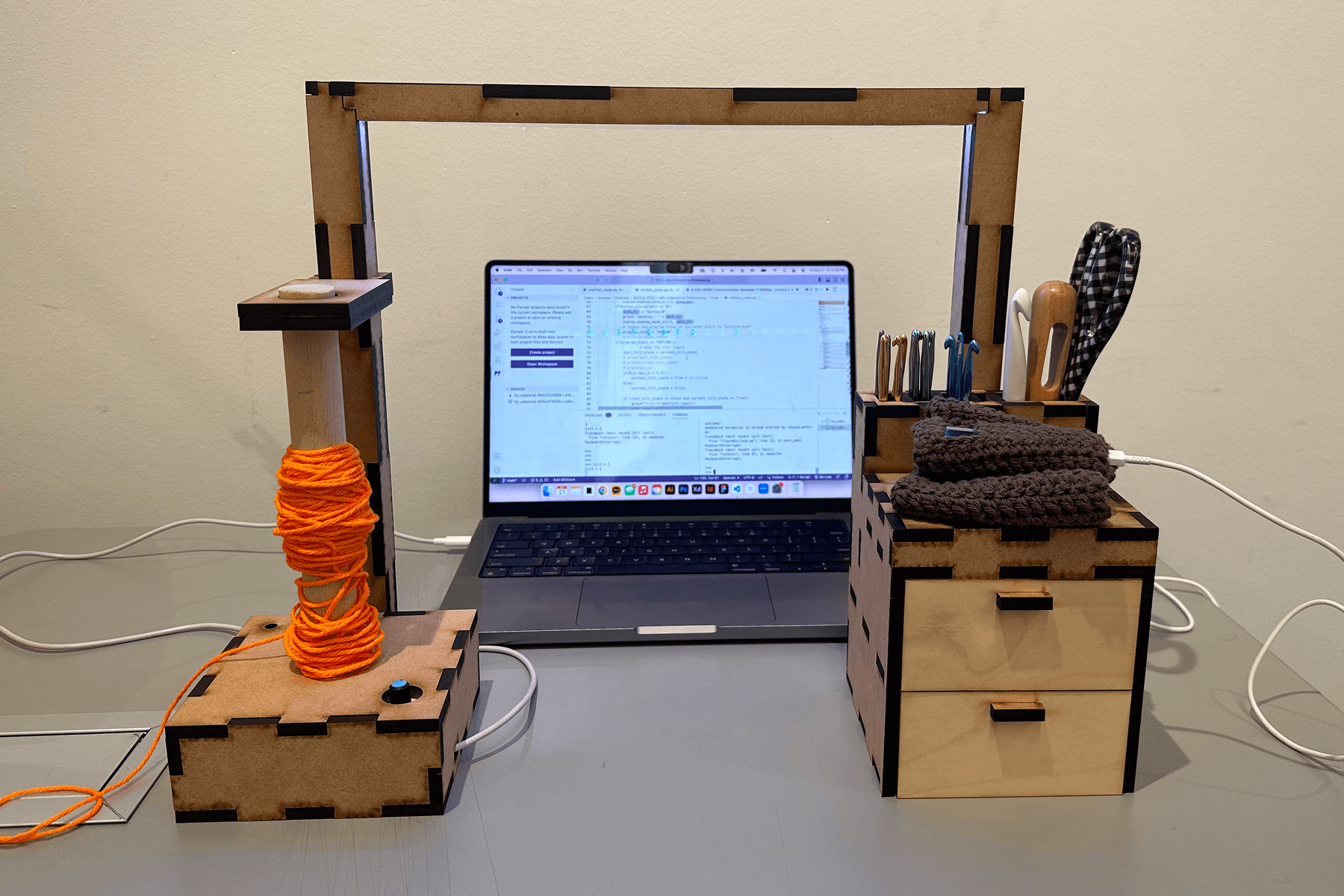
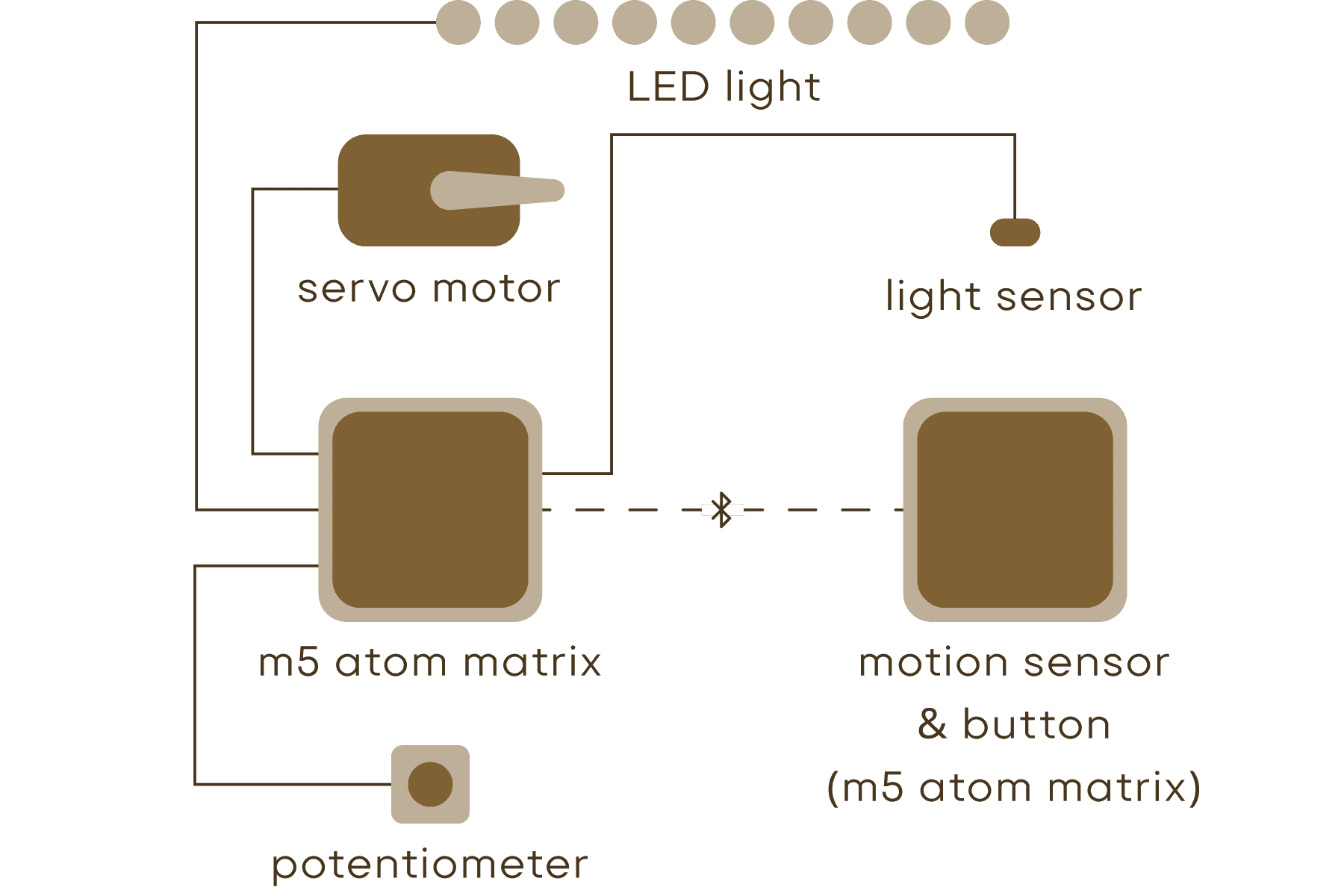
What the user does
How the system reacts
What didn’t work
Pick up the wrist band and put it on wrist
Light sensor beneath wrist band will detect light and turn on system
Activation method is not visually indicated or intuitive
LED light could create a nice environment, but is not essential
Crochet (naturally turning wrist)
Accelerometer on wrist band will count up to five wrist tilts and display tilt counts on mini screen
Five tilt counts will activate the motor to unwind yarn
Accelerometer was overly sensitive and often picked up unintentional hand movements
Unwinding yarn based on tilt count was inconsistent due to different stitch types and motion patterns
Wind new yarn onto spool
Pressing button will reverse motor direction and potentiometer will change winding speed
Manually controlling the winding speed sometimes caused yarn tangling and inconsistent tension
Iterating on the Machine Design
What challenges do multi-generational travelers experience?
To reduce the pain points, I tried out many different products that already exist to solve the pain points, but found that it doesn’t work as effectively.
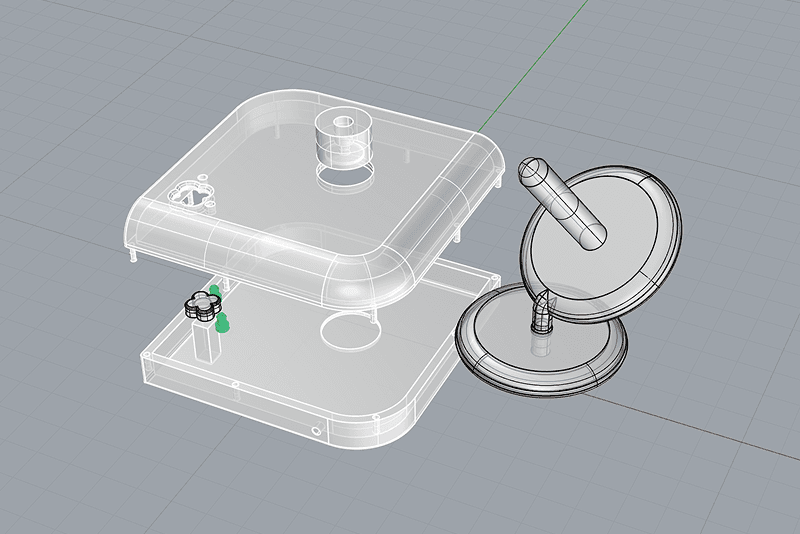
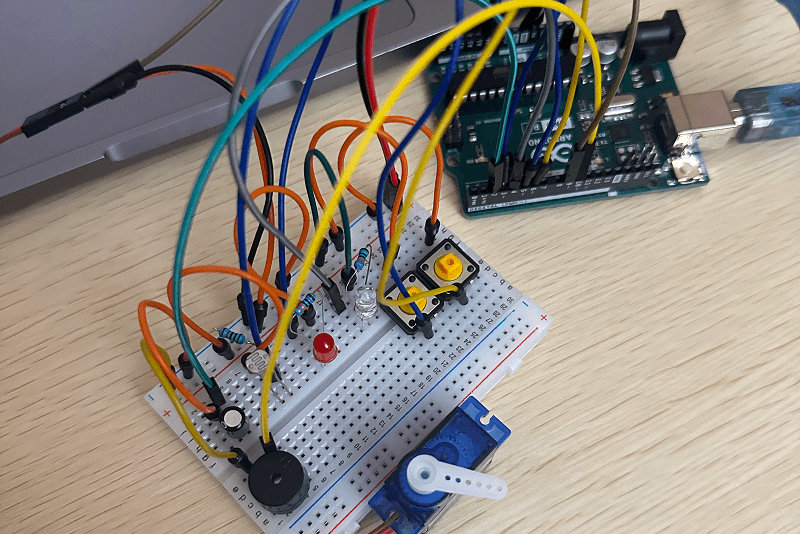
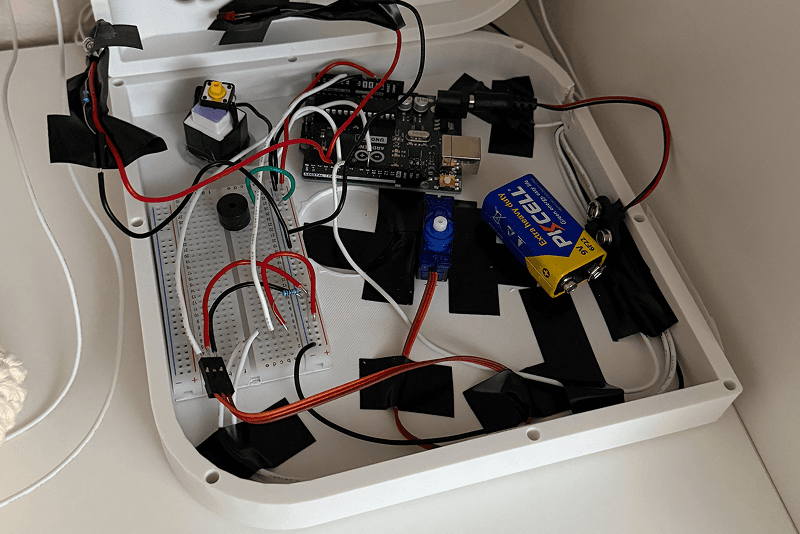
Delivering the Final Machine System
What challenges do multi-generational travelers experience?
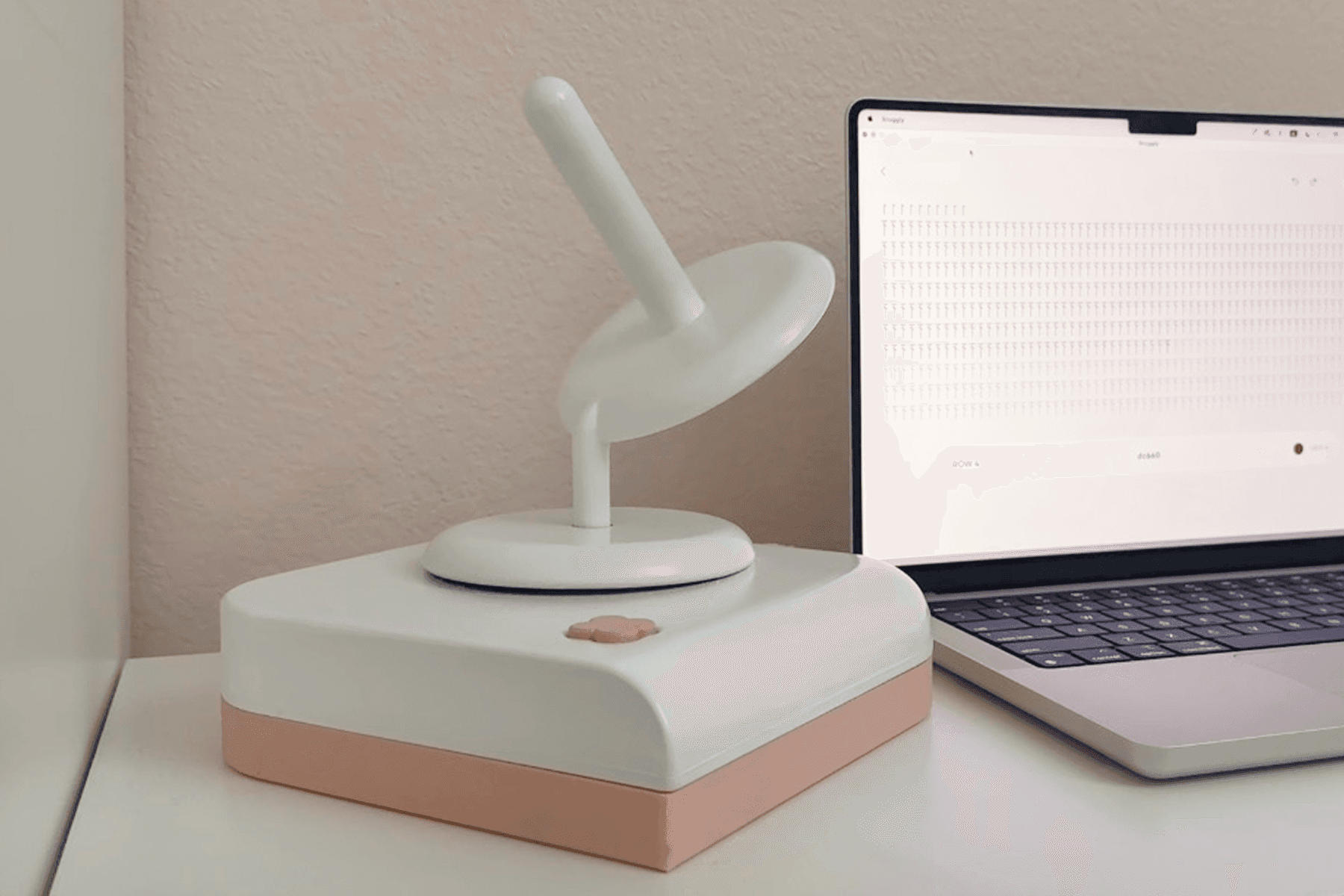
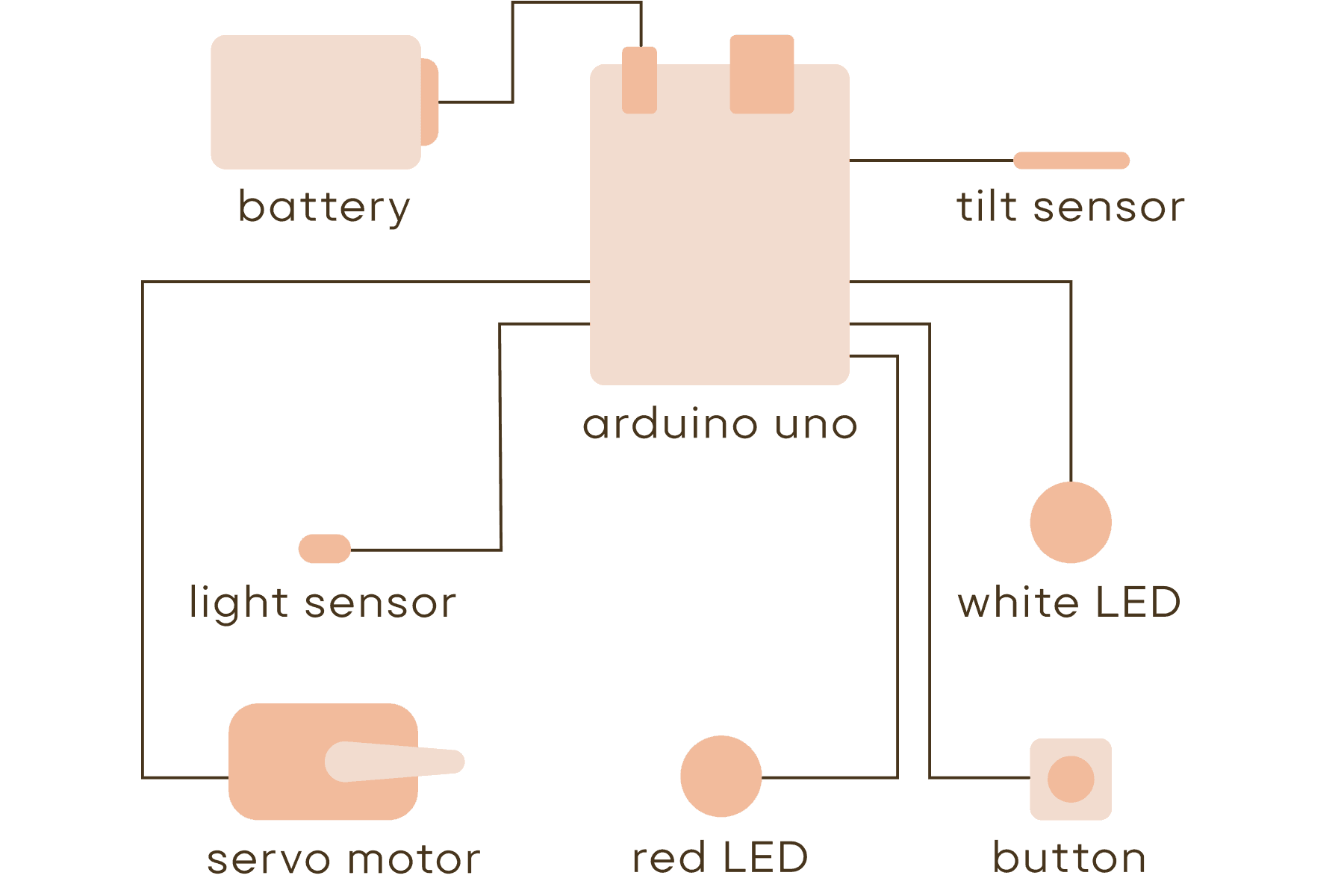
For the final prototype, I removed unnecessary features and focused mainly on the motion-tracking wristband and the yarn winder/unwinder.
What the user does
How the system reacts
What didn’t work
Push button on machine and put wristband on wrist
Button will light up a white LED light and indicate that it is on
Activation is visually clear and intuitive to understand the state
Crochet (naturally turning wrist)
Tilt sensor on the wrist band will detect wrist movement and count wrist tilts
Motor will be activated according to tilt counts specified to certain stitch types on pattern
Tilt sensor only triggered when the wrist angle only changed beyond a certain point or angle
Specifying tilt counts to stitch types on a pattern allowed more precise and consistent control
Wind new yarn onto spool
Pressing button will reverse motor direction to wind yarn onto spool
Fixed motor speed for winding new yarn allowed yarn to wind onto spool more naturally and easily
Final Outcome
What is Snuggly and how does it work as a complete system?
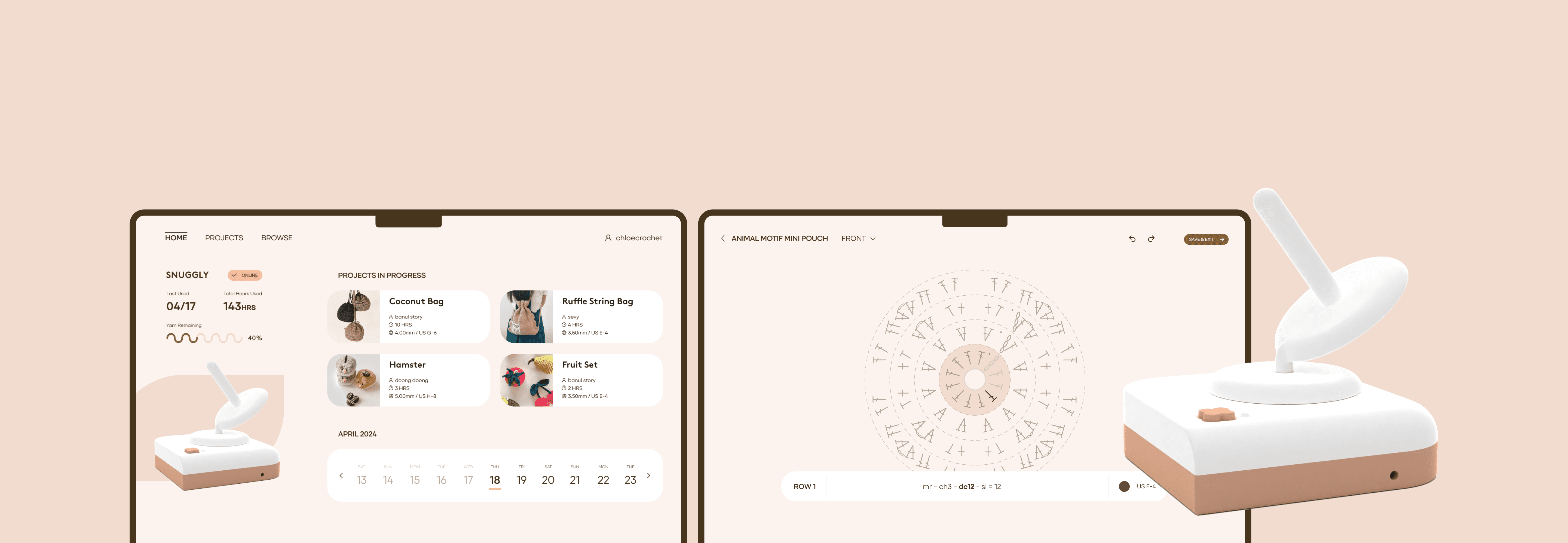
Snuggly is a connected system consisting of an organized application and an automated yarn-controlling machine. The application manages projects, generates accurate patterns, and guides users through patterns instructions in real time, while the machine automatically untangles yarn and tracks stitch counts—enabling a more precise and efficient workflow.
Projects
Gain and Gather Inspirations
Conveniently shows the list of all saved projects with filters to allow users to quickly look through in four different categories.
Create Your Pattern
Enter in Precise Settings
Accurately entering the settings before creating pattern will enhance precision of every stitch for the machine to calculate the motor’s turn and the amount of yarn remaining on the spool.
Create Your Pattern
Use Tool Bar to Create Pattern
Easily shows the different tools in three separate sections— types of stitches, other actions and yarn colors— to keep it simple and clear for the users when creating new patterns.
Crochet
Connect and Use Machine
Crocheting with the wearable, wrist-mounted stitch counter allows the machine to calculate stitches and automatically unwind yarn according to the pattern, so users can work with only the amount of yarn needed and avoid tangling between stitches.
Crochet
Follow Along Live Monitor
Coherently color codes the pattern stitches on the screen according to the wrist stitch counter so the users can easily follow along the pattern while crocheting without any confusion.
Dashboard
Keep Track at a Glance
Effectively shows an overview of machine details, user’s most recent projects in progress and overall crochet activity history.
Design System
How does the system maintain clarity and consistency across the experience?
Typography
Brown Bold 24px

Primeform Pro Semibold 20px

Primeform Pro Regular 20px

Primeform Pro Regular 30px

Primeform Pro Regular 14px

Primeform Pro Regular 13px

Color
Icons & Symbols
Projects Icon
save
all
my projects
favorite
crocheter
hours
yarn size
Tool Bar Icon
select
mark
note
sew
undo & redo
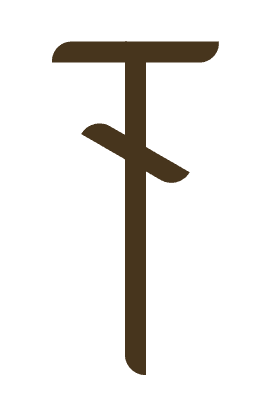
Stitch Symbols

chain

slip

single

half double
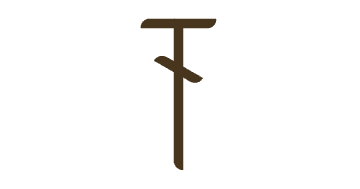
double
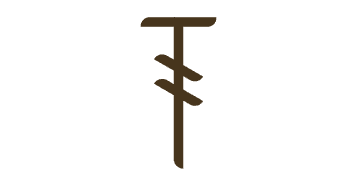
treble
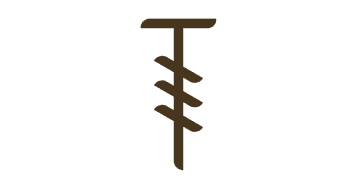
double treble

single increase

double increase

treble increase
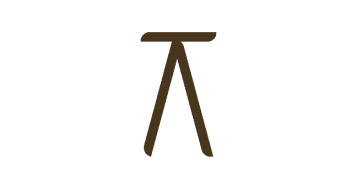
single decrease

double decrease

treble decrease
Project Takeaways
What did this project teach me about designing connected craft tools?
Snuggly began as a simple prototyping experiment focused on detecting wrist motion and automatically unwinding yarn. Through researching and observing crocheters’ posture and hand movements, I realized that many of the challenges in crocheting extended beyond physical motions to include workflow interruptions and pattern management.
This project allowed me to experience the full process of designing an interactive product—from user research to physical prototyping. It reinforced the importance of deeply understanding a niche audience’s needs and pain points in order to design meaningful solutions that truly support their workflow.